



Sending the coupon to the recipient#
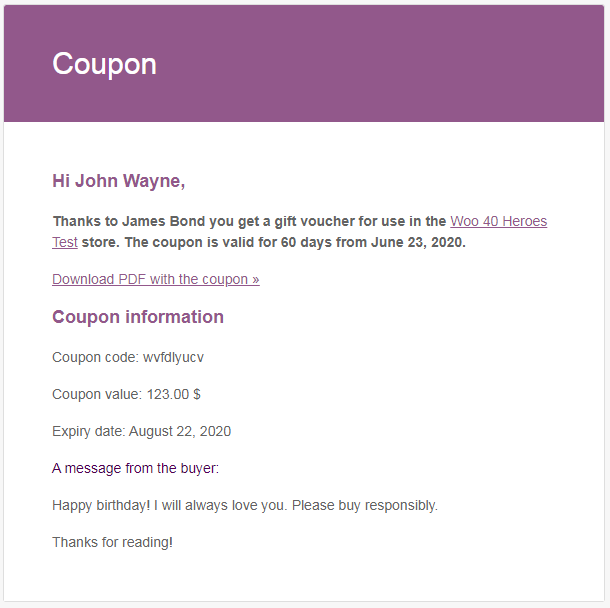
PRO When the coupon is generated (automatically or manually), it will be sent to the coupon's recipient in the email. The link for downloading the PDF file will be included in the email content.
Sending coupons automatically or manually
Coupons can be generated and emailed automatically when an order reaches the status selected in the plugin’s automatic sending settings.
You can also generate a coupon manually for a coupon product in an order. This triggers the email sending process, provided the relevant email notification is enabled and a recipient email address is available.
Manual generation refers to generating a coupon from an order, not creating a coupon directly in WooCommerce.
Attaching the coupon PDF — PRO
By default, the coupon email includes a link to download the PDF. In Flexible Coupons PRO, you can also attach the PDF file directly to the message.
To enable attachments, open the plugin’s settings, go to the Email tab, enable Attach PDF file to coupon email, and save your changes.
This option applies to coupon emails sent to both the buyer and the recipient. Attachments are disabled by default. Enabling them does not remove the download link from the default email content.